

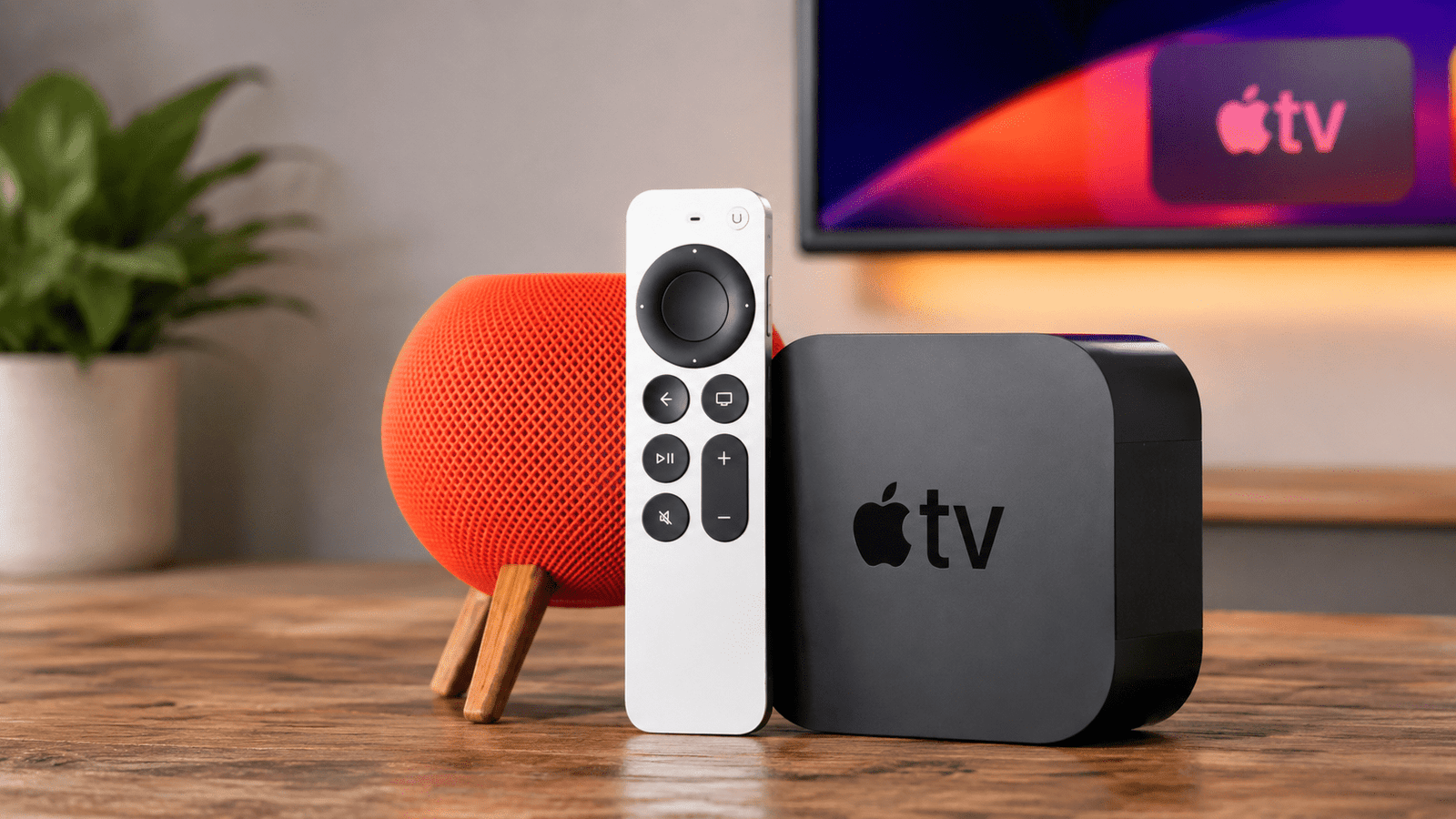
Apple TV 2026: New Features, Release Date & Price Guide
Apple TV 2026 is finally here, and it’s the biggest upgrade the streaming box has seen in years. After nearly four years without a hardware refresh, Apple is rolling out a faster chip, smarter Siri, and improved wireless connectivity. As a result, longtime Apple fans and new streamers alike have plenty to get excited about.
In this guide, we’ll break down everything you need to know about Apple TV 2026, including its release date, price, key features, and how it compares to older models. Additionally, we’ll cover common mistakes to avoid before you buy.
Why Apple TV 2026 Matters
Apple TV 2026 matters because it finally brings Apple’s living room device up to speed with the rest of the company’s ecosystem. The current Apple TV 4K still runs on an A15 Bionic chip from 2022, which is now noticeably behind competing streaming devices. However, this new release changes that story completely.
Here’s why this update is a bigger deal than usual:
- It introduces Apple Intelligence and a smarter Siri experience for the first time on tvOS.
- It launches alongside tvOS 27, bringing a refreshed interface.
- It supports faster, more stable wireless streaming through Wi-Fi 7.
- It arrives as Apple pushes deeper into live sports, including Friday Night Baseball and Formula 1.
Consequently, Apple TV 2026 isn’t just a spec bump. It’s a genuine step forward for how people use their TVs.
Key Features of Apple TV 2026
Apple has confirmed and hinted at several major upgrades. Below are the standout features shaping this release.
Faster A17 Pro Chip
Apple TV 2026 is expected to run on the A17 Pro chip, originally introduced in the iPhone 15 Pro. This is a significant jump from the A15 Bionic used in the current model. As a result, users should notice smoother navigation, faster app loading, and better gaming performance.
Siri AI and Apple Intelligence
One of the most anticipated additions to Apple TV 2026 is Siri AI. Apple delayed this launch until tvOS 27 was ready, which is why the hardware update took longer than expected. Because of this integration, voice commands should feel more natural, and content recommendations should become far more personalized.
Wi-Fi 7 and the N1 Chip
Apple TV 2026 may debut Apple’s new in-house N1 networking chip before it appears on any other device. This chip supports Wi-Fi 7, which uses the less congested 6GHz band. Therefore, buffering and lag during 4K streaming should be reduced significantly.
Redesigned Siri Remote
Rumors point to an updated Siri Remote with a built-in speaker, making it easier to locate when lost in couch cushions. This small but practical change addresses one of the most common user complaints about the current remote.
Types of Apple TV Models to Consider
Not every Apple TV 2026 buyer needs the same setup. Here’s how the lineup is expected to break down.
Apple TV 4K (Standard)
This is the main model most households will buy. It supports 4K HDR streaming, gaming, and full smart home integration through the Home app.
Apple TV 4K with Ethernet
For homes with unreliable Wi-Fi, a wired Ethernet version remains a smart choice. It ensures a stable connection for 4K and HDR content without relying on wireless signals.
Buying Guide: Should You Upgrade to Apple TV 2026?
Before purchasing Apple TV 2026, consider your current setup and streaming habits. Use this checklist to decide:
- Check your current model. If you own an Apple TV HD (2015) or the original Apple TV 4K (2017), support is ending. Upgrading makes sense.
- Consider your Wi-Fi router. If you already have a Wi-Fi 7 router, you’ll get the full benefit of the new networking chip.
- Think about smart home needs. Apple TV 2026 is expected to work more closely with Apple’s smart home ecosystem, so it’s worth considering if you use HomeKit devices.
- Factor in price. Reports suggest Apple may keep pricing close to the current $129–$199 range, despite the hardware boost.
Common Mistakes to Avoid
Many buyers make avoidable errors when purchasing a new streaming device. Watch out for these:
- Buying without checking storage needs. Gamers and heavy app users should choose the higher-storage variant.
- Ignoring router compatibility. Wi-Fi 7 only helps if your router also supports it.
- Skipping the remote comparison. Some retailers still sell older remote bundles at full price.
- Assuming instant availability. Apple TV 2026 is expected to launch in a staggered rollout, so availability may vary by region at first.
Setup and Maintenance Tips
Once you’ve purchased Apple TV 2026, a few simple habits will keep it running smoothly.
- Keep tvOS updated automatically to receive the latest Siri AI improvements.
- Restart the device occasionally to clear cached data and maintain performance.
- Use a surge protector, since streaming boxes run for long hours daily.
- Review connected apps periodically and remove ones you no longer use.
Final Thoughts on Apple TV 2026
Apple TV 2026 represents the most meaningful update to Apple’s streaming box in years. With a faster A17 Pro chip, Siri AI, Wi-Fi 7 support, and a possibly redesigned remote, it addresses nearly every complaint users have had about the previous model. However, whether it’s worth the upgrade ultimately depends on your current hardware and streaming habits.
If your existing Apple TV still works well and meets your needs, waiting for real-world reviews might be the smarter move. On the other hand, if you’re still using an older, unsupported model, Apple TV 2026 is a clear and worthwhile upgrade. Either way, this release proves Apple hasn’t forgotten about the living room.